 Features / Icons
Expanded Icon Libraries
Overview
Section titled “Overview”Bizby now offers an expanded collection of icons and illustrations to enhance your boards. With over 5,000 new assets across four libraries, you have more creative options than ever to make your boards visually engaging and professional.
Available Libraries
Section titled “Available Libraries”Phosphor Icons (1,500+ icons)
Section titled “Phosphor Icons (1,500+ icons)”A flexible icon family featuring clean, consistent designs perfect for interfaces and diagrams.
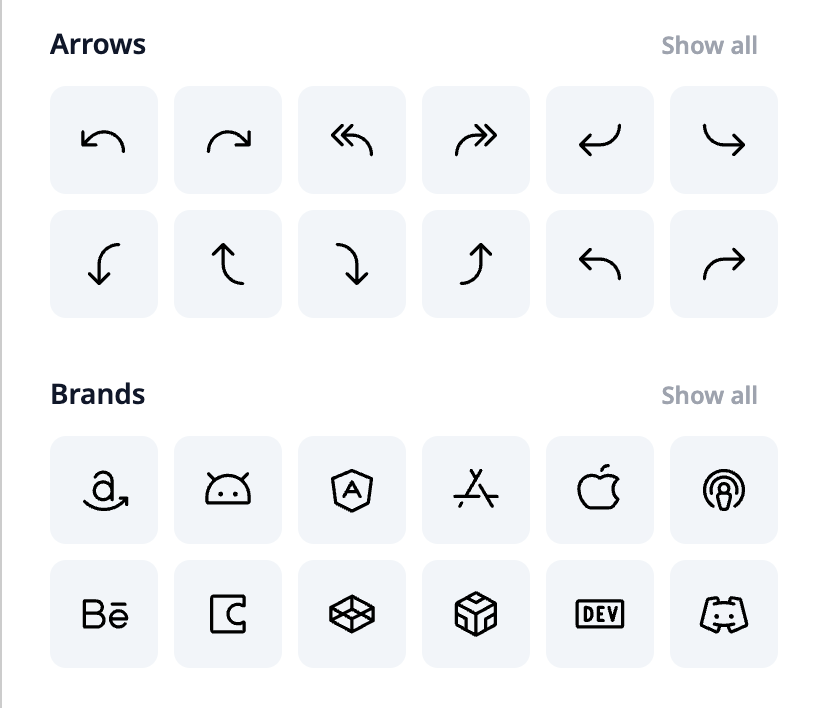
- Consistent Style - All icons share a cohesive design language
- Versatile Use - Perfect for flowcharts, UI mockups, and documentation
OpenMoji (2,400+ emojis)
Section titled “OpenMoji (2,400+ emojis)”A colorful, open-source emoji library for expressive visual communication.
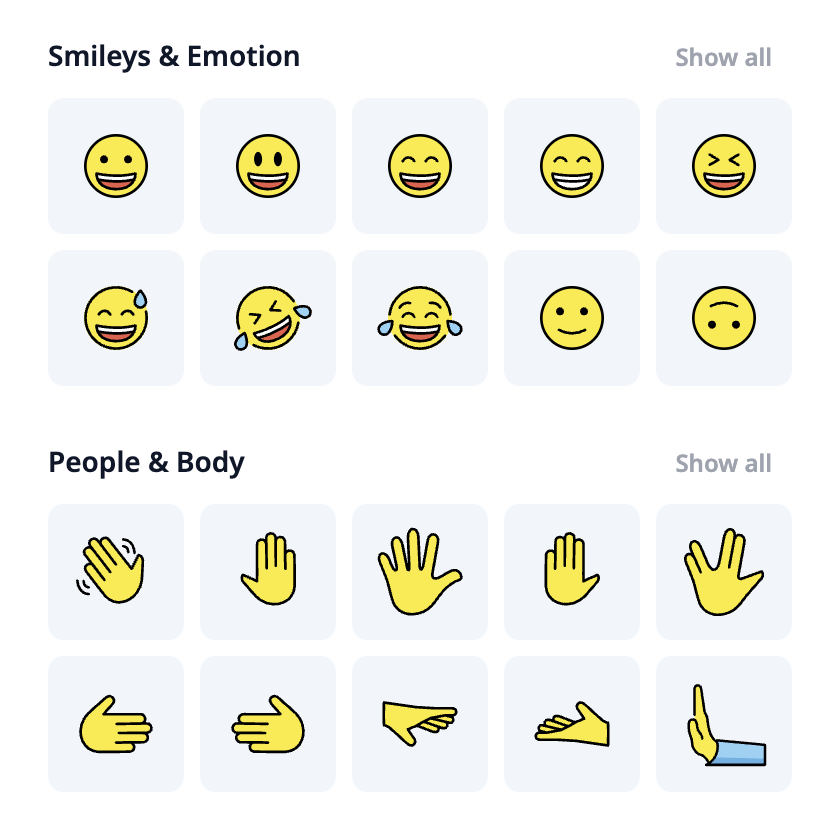
- Full Color - Vibrant, colorful emoji designs
- Wide Variety - Faces, objects, symbols, flags, and more
- Fun & Expressive - Great for adding personality to boards
Mega Doodles Pack (151 illustrations)
Section titled “Mega Doodles Pack (151 illustrations)”Hand-drawn doodle illustrations for a friendly, approachable aesthetic.
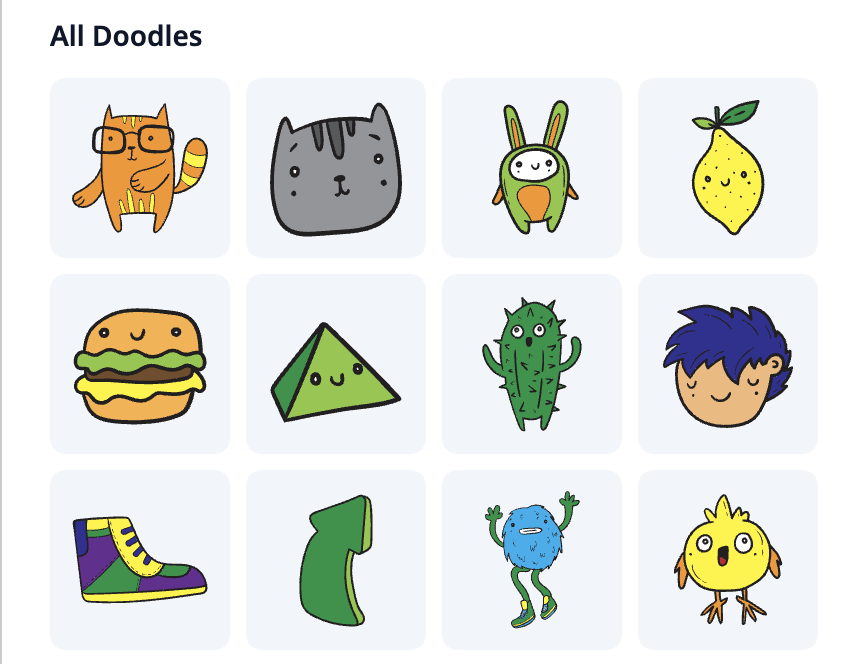
- Hand-Drawn Style - Charming, sketch-like illustrations
- Diverse Subjects - Clouds, rockets, cats, plants, and more
- Casual Tone - Perfect for brainstorming and creative sessions
unDraw (1,000+ illustrations)
Section titled “unDraw (1,000+ illustrations)”Professional, customizable illustrations for presentations and documentation.
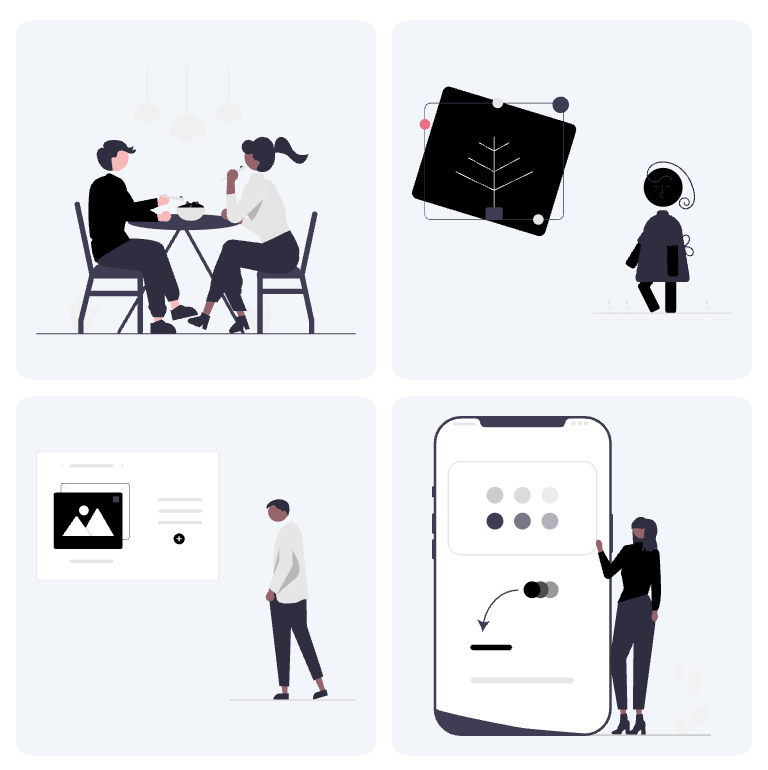
- Professional Quality - Polished, modern illustration style
- Category Browsing - Organized by topic for easy discovery
- Presentation Ready - Ideal for decks and formal documentation
How to Access
Section titled “How to Access”- Click the Icons button in the main canvas toolbar
- Use the tabs at the top to switch between libraries:
- Material (existing)
- Phosphor
- OpenMoji
- Doodles
- unDraw
- Browse or search within each library
- Drag your chosen asset onto the board
Tips for Effective Use
Section titled “Tips for Effective Use”Related Features
Section titled “Related Features”- Material Icons Library - The original icon library
- Icon Color Picker - Customize icon colors
- Feature Overview - See all Bizby features