 Features / Icons
Material Icons Library
Overview
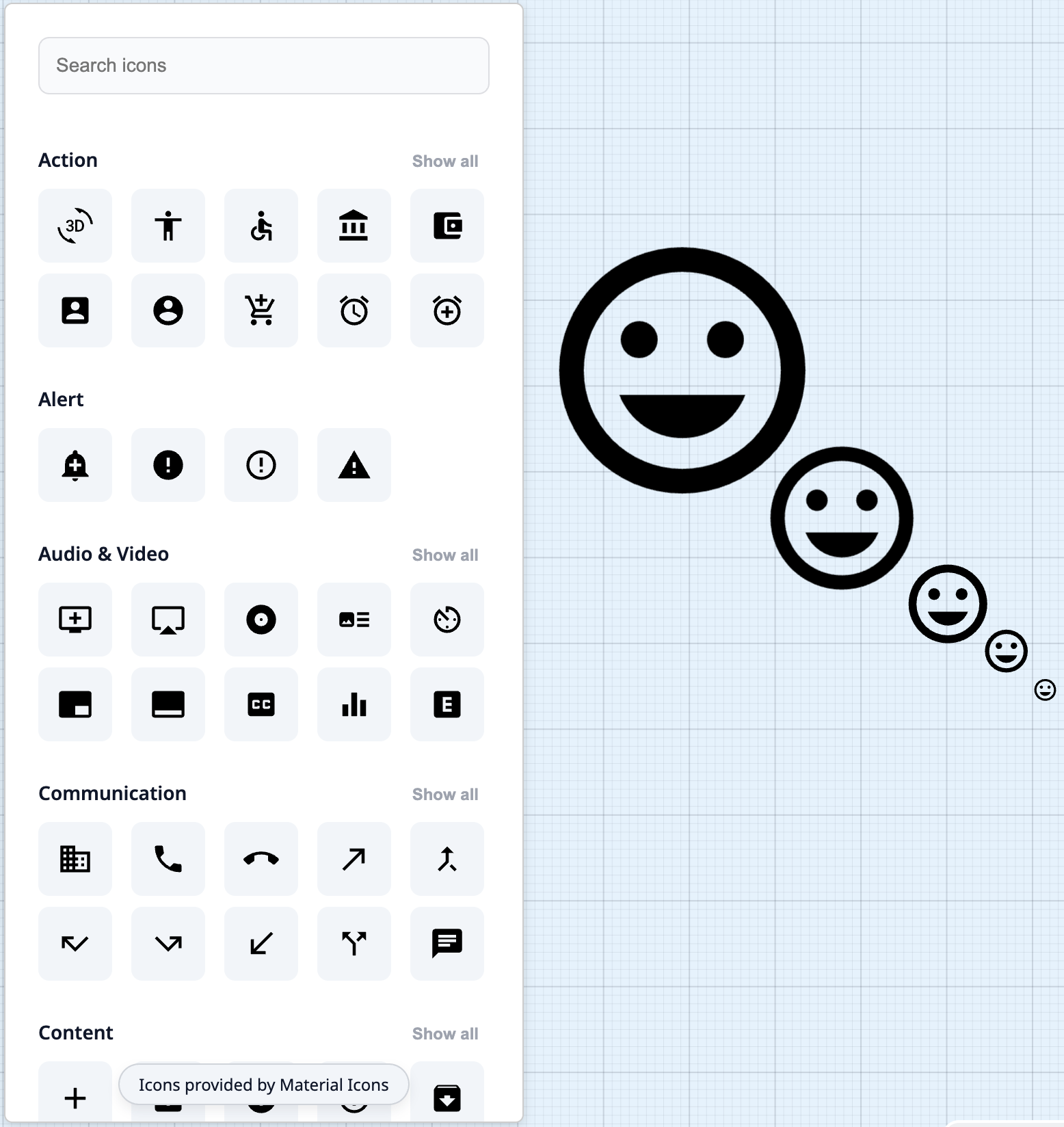
Section titled “Overview”The Material Icons Library brings hundreds of professional, high-quality icons directly into your Bizby workspace. From the main toolbar, access a searchable library of Material Design icons and drag them onto your boards to add visual clarity, create better documentation, and enhance communication.
Key Features
Section titled “Key Features”- Hundreds of Icons - Access the complete Material Design icon library
- Searchable Interface - Quickly find the perfect icon with smart search
- Organized Categories - Browse icons by category for easy discovery
- Drag and Drop - Simply drag icons from the library onto your board
- Consistent Design - All icons follow Material Design principles
- Professional Quality - High-quality SVG icons that scale perfectly
How to Use
Section titled “How to Use”- Click the Icons button in the main toolbar
- Browse categories or use the search bar to find icons
- Drag your chosen icon onto the board
- Position and resize the icon as needed
- Repeat to add more icons to your board
Icon Styling
Section titled “Icon Styling”Sizing
Section titled “Sizing”Icons are vector-based (SVG) and scale infinitely without any loss of quality. You can resize them to any size that fits your needs:
- Small sizes - Perfect for inline use with text or subtle accents
- Medium sizes - Ideal for standard board elements and labels
- Large sizes - Great for headers, key focal points, and visual emphasis
- Any custom size - Drag corner handles to scale icons to exactly the size you need
Tips for Effective Use
Section titled “Tips for Effective Use”Related Features
Section titled “Related Features”- Custom Colors - Customize icon colors and styling
- Sticky Note Stacks - Combine icons with notes for organized boards
- Feature Overview - See all Bizby features